Adding Interactive Images to WordPress: Image Maps, Hotspots, and Modern Alternatives
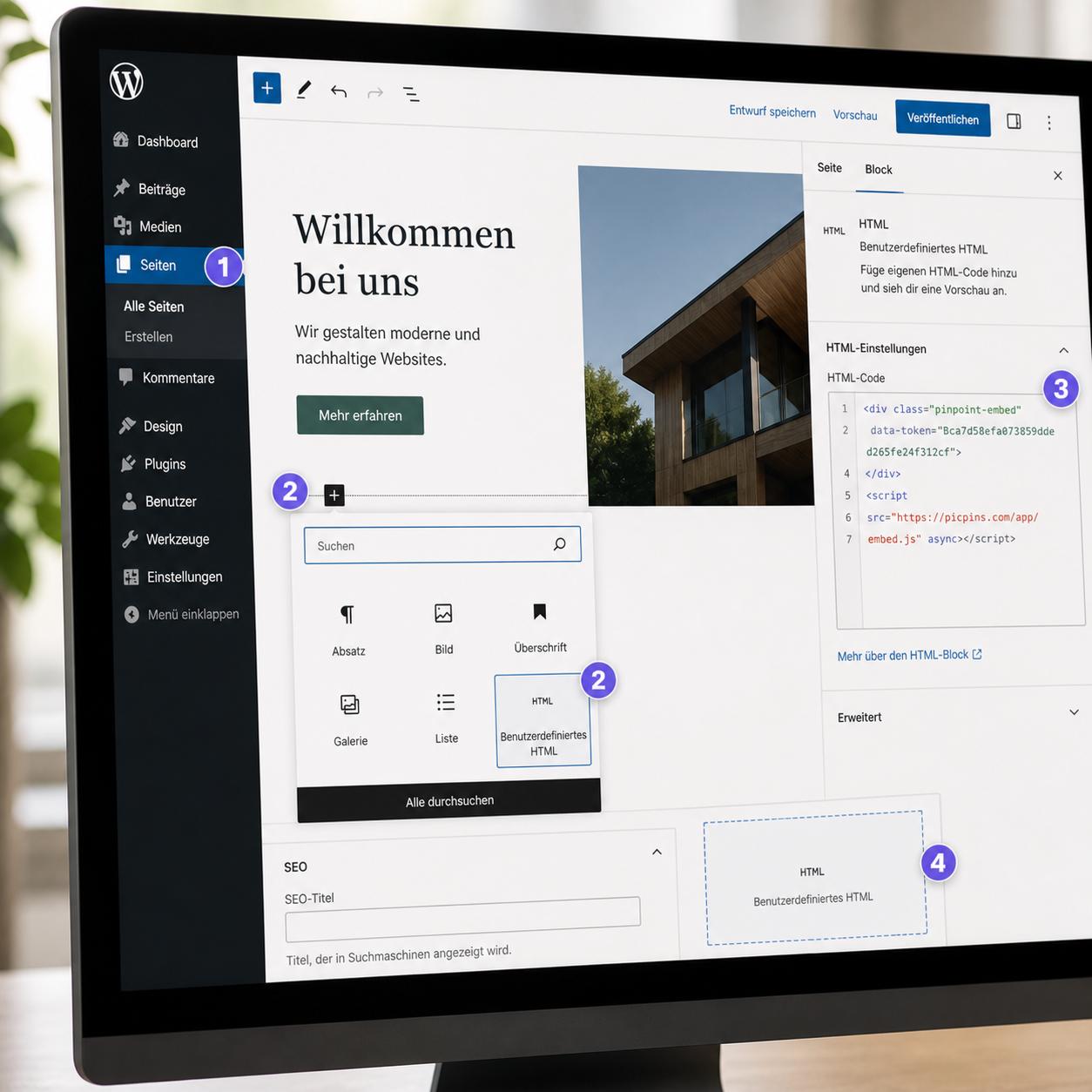
Three ways to make an image clickable in WordPress — from the classic HTML image map to plugins to embed solutions like picpins. With pros and cons of each.
Tips, updates and ideas around interactive images.
Three ways to make an image clickable in WordPress — from the classic HTML image map to plugins to embed solutions like picpins. With pros and cons of each.
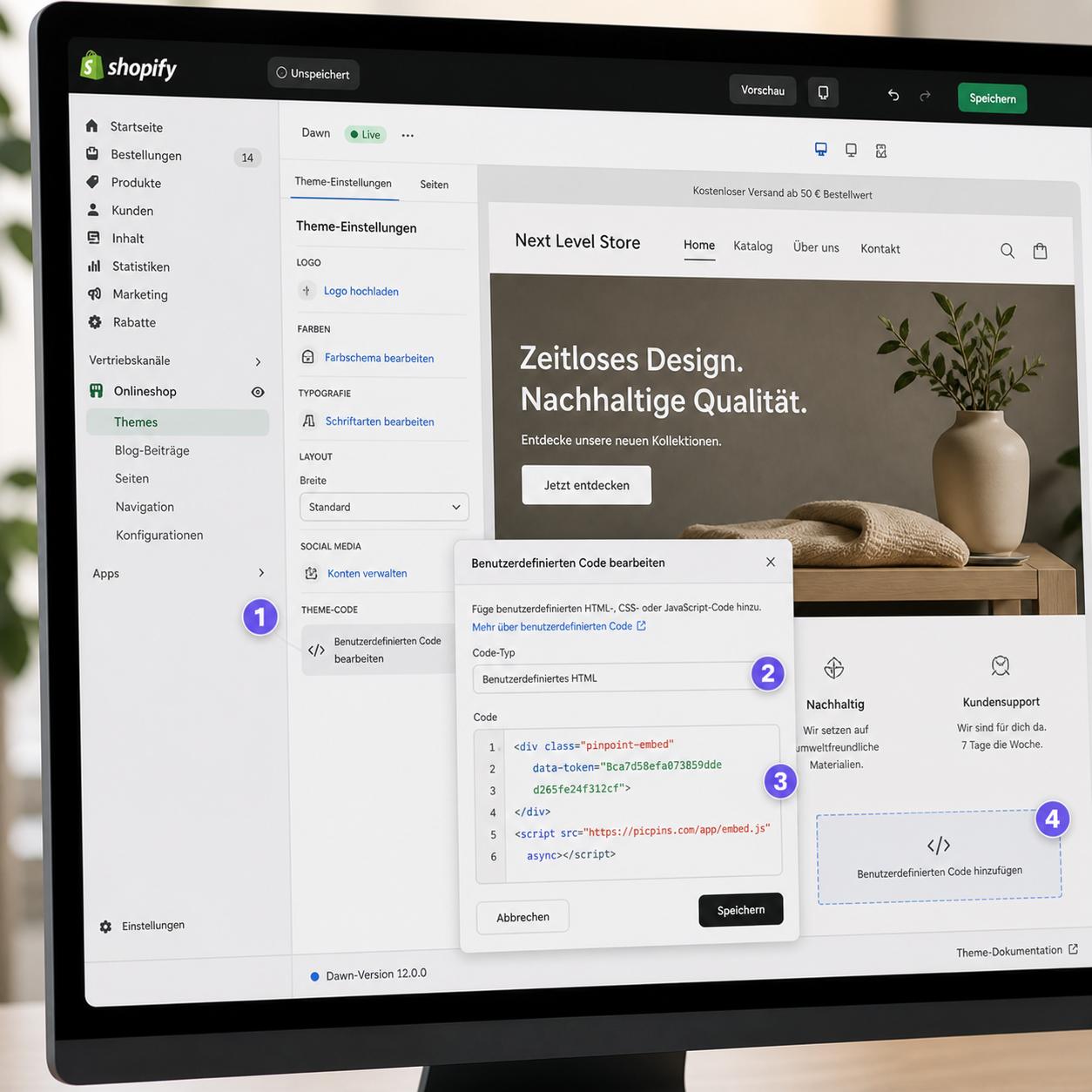
How to add clickable areas to images in Shopify — directly in pages, product descriptions, or as a theme section. With or without an app.
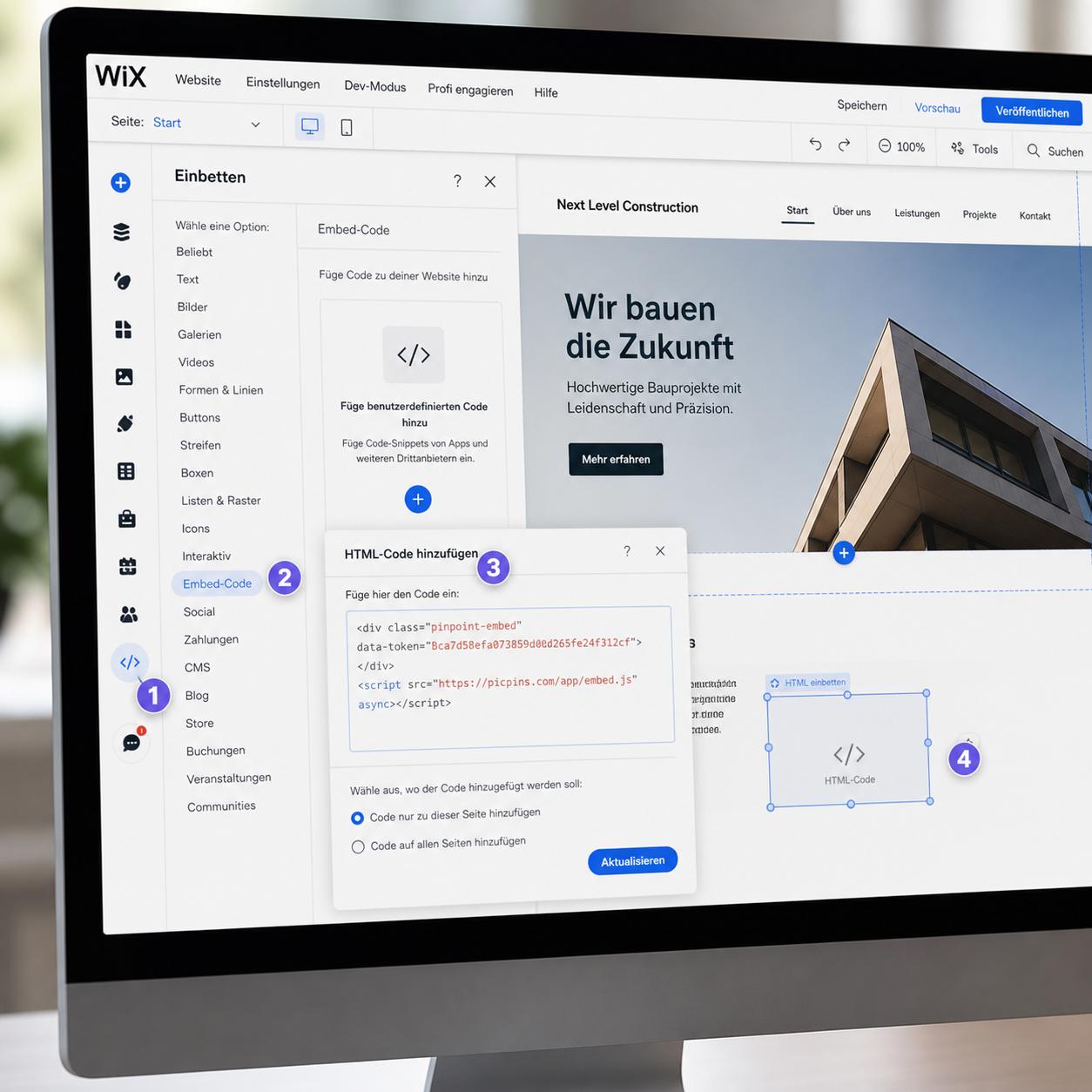
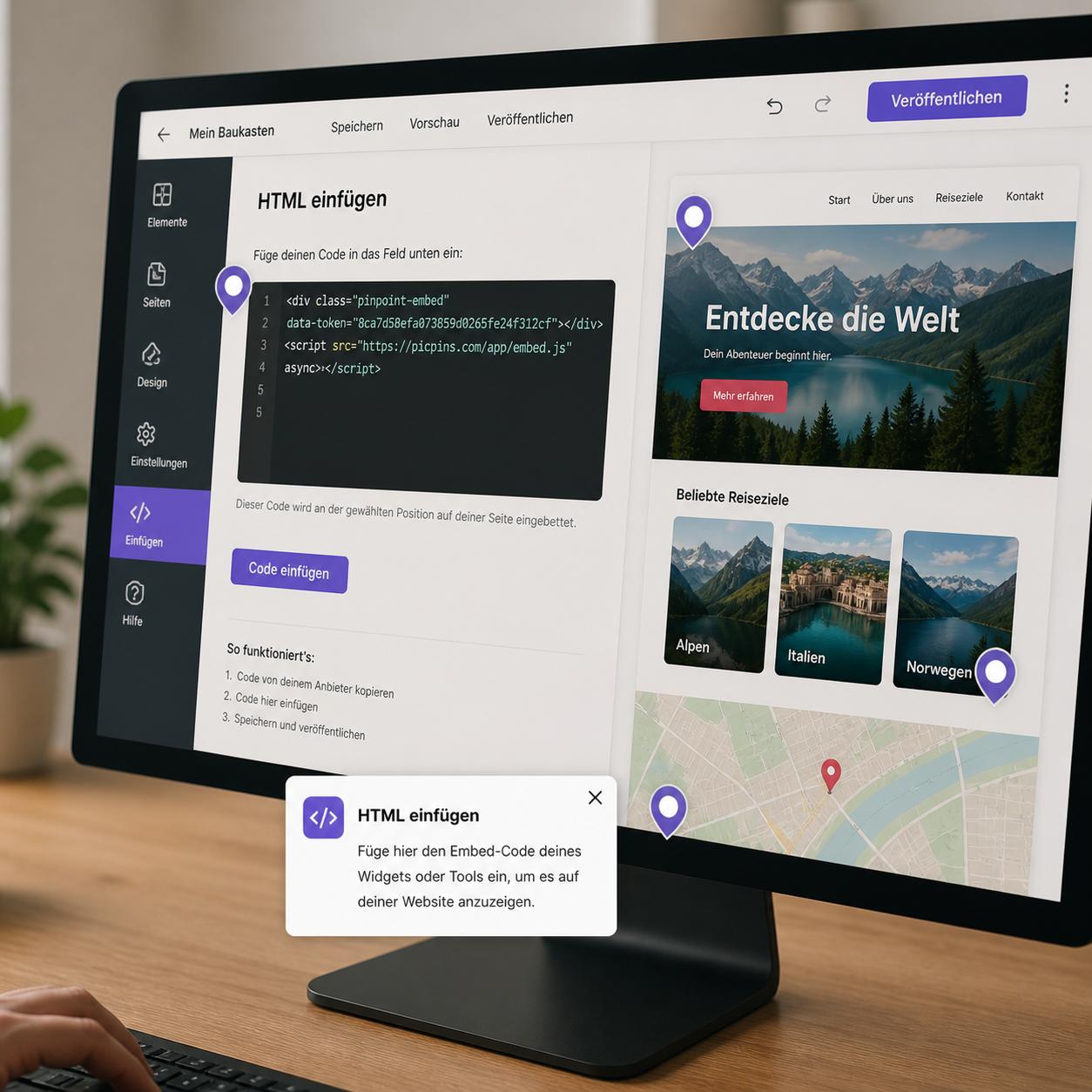
Wix has its own tools for clickable image regions. Where they're enough, where they fall short, and how to use the HTML embed element for any solution.
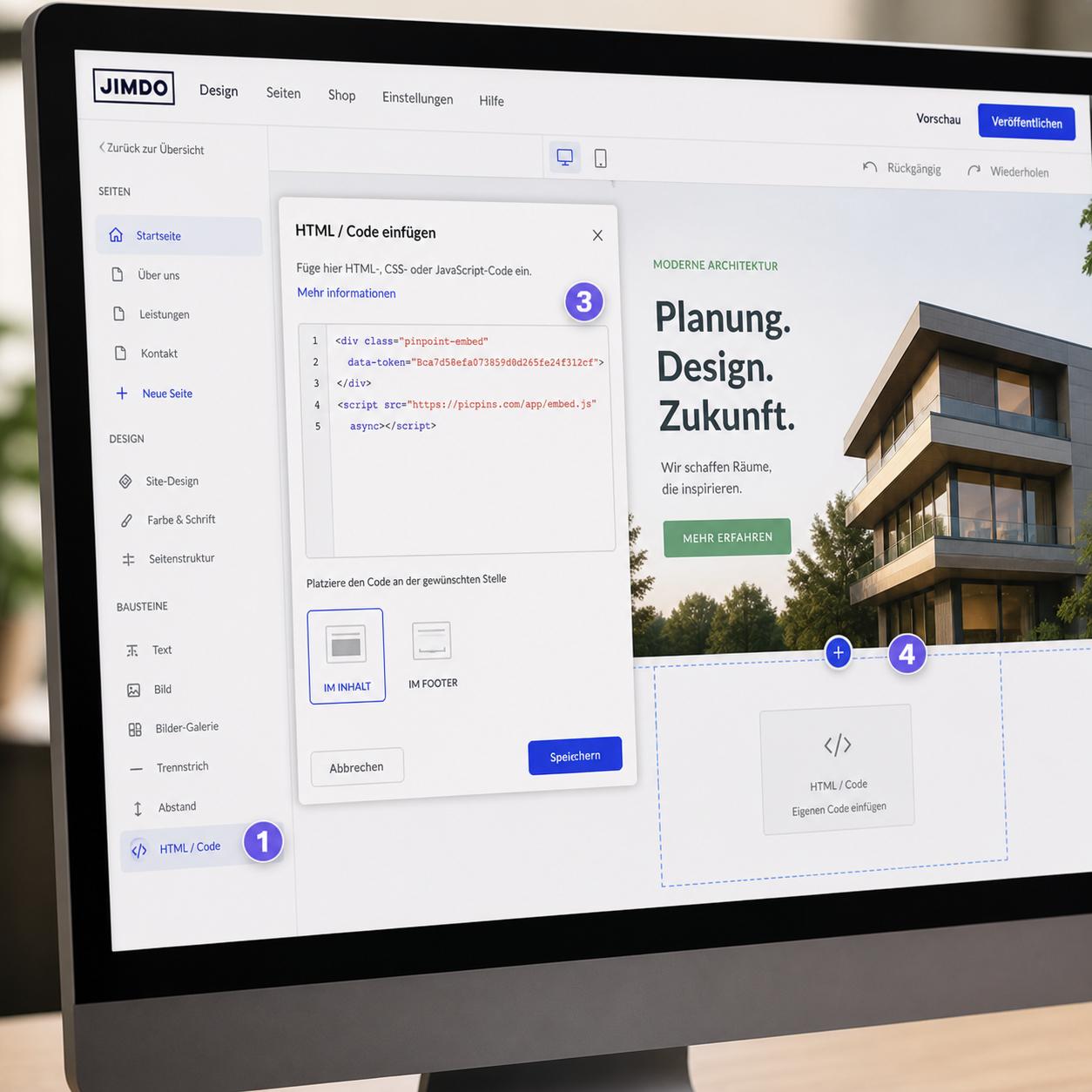
Jimdo is built for simplicity — interactive images still work. The widget element plus a bit of HTML gets you any image map you need.
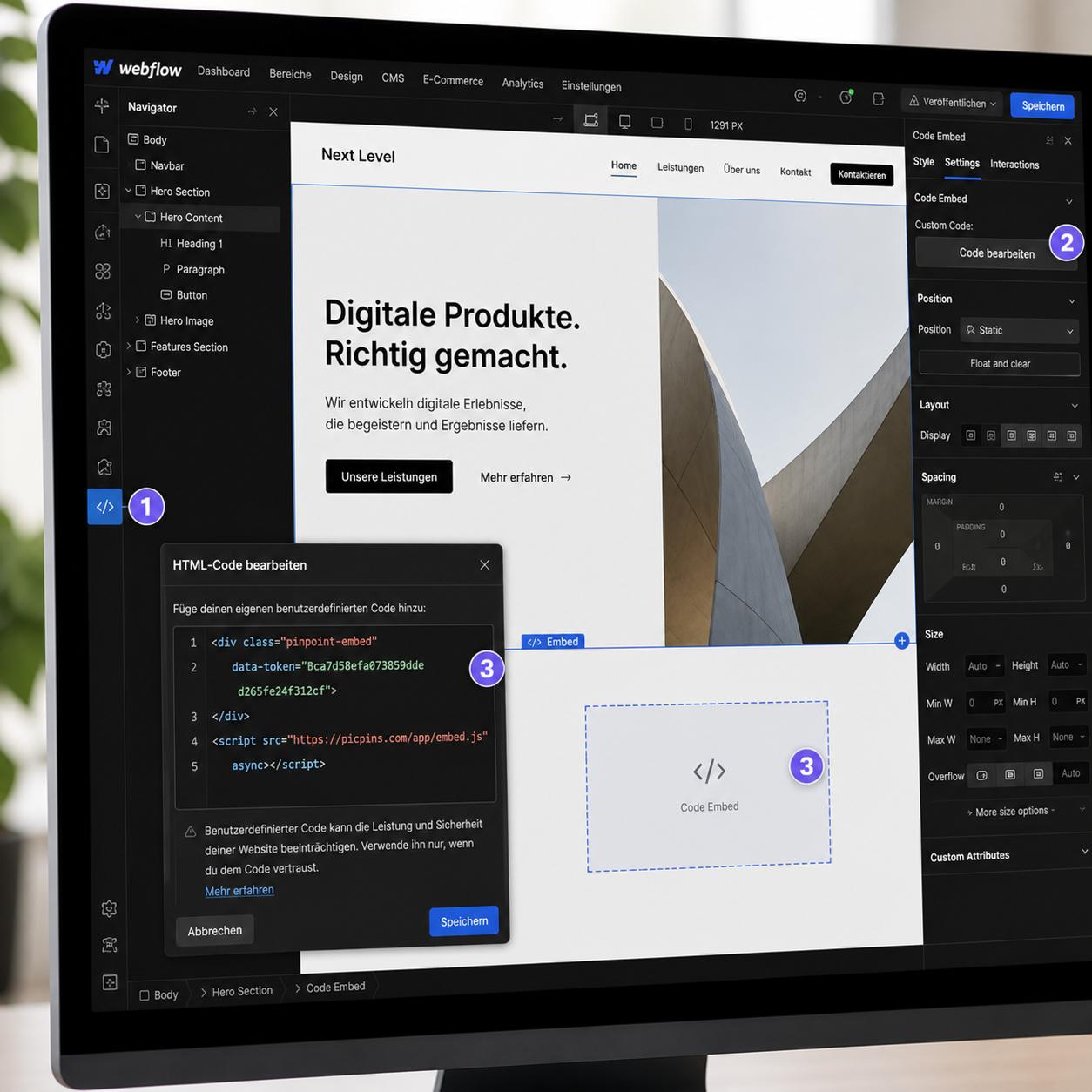
Webflow gives you every tool for visual interaction. How to add hotspots to images — with built-in features or with embed code.
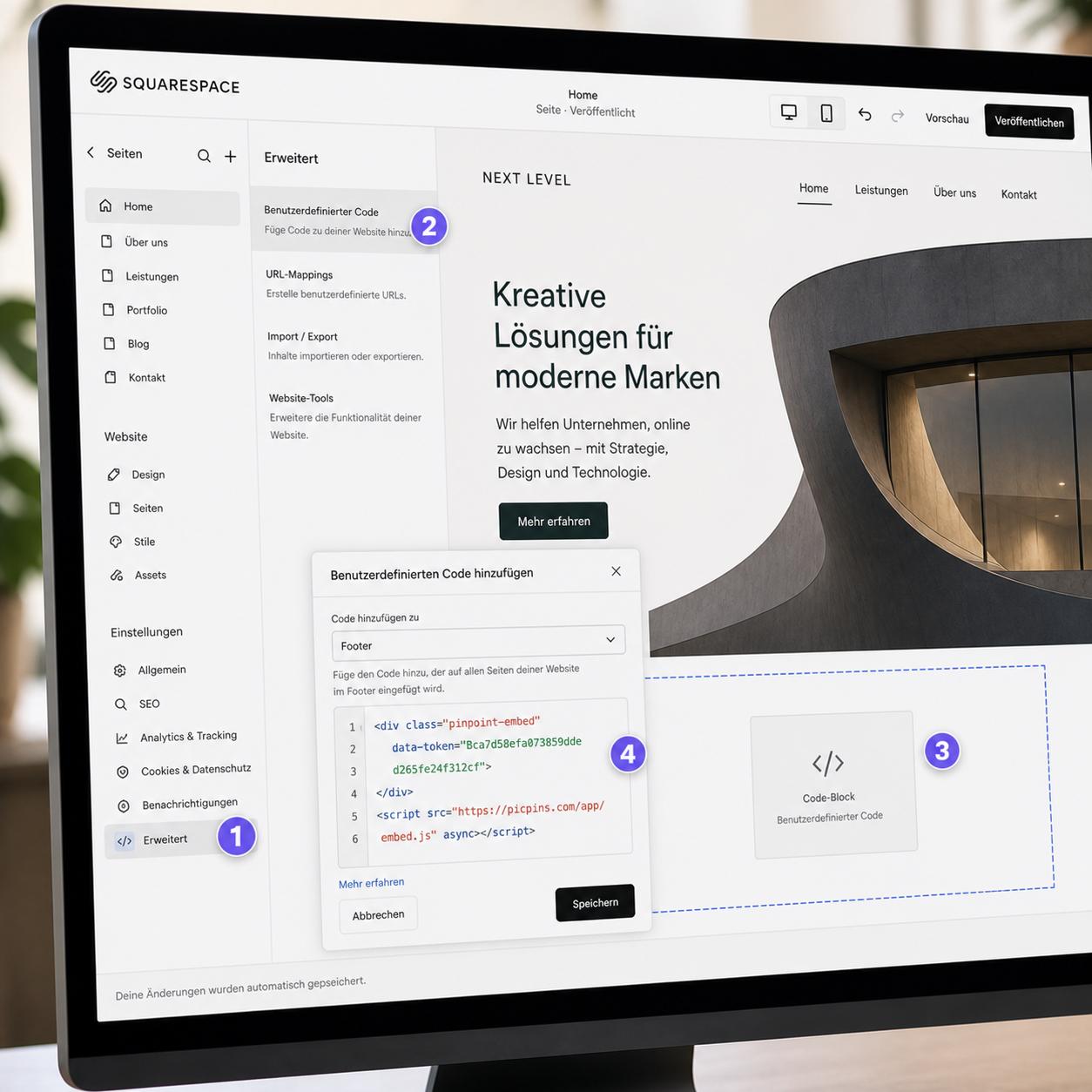
Squarespace doesn't ship its own hotspot editor. How to still add clickable image regions — with the code block or external tools.
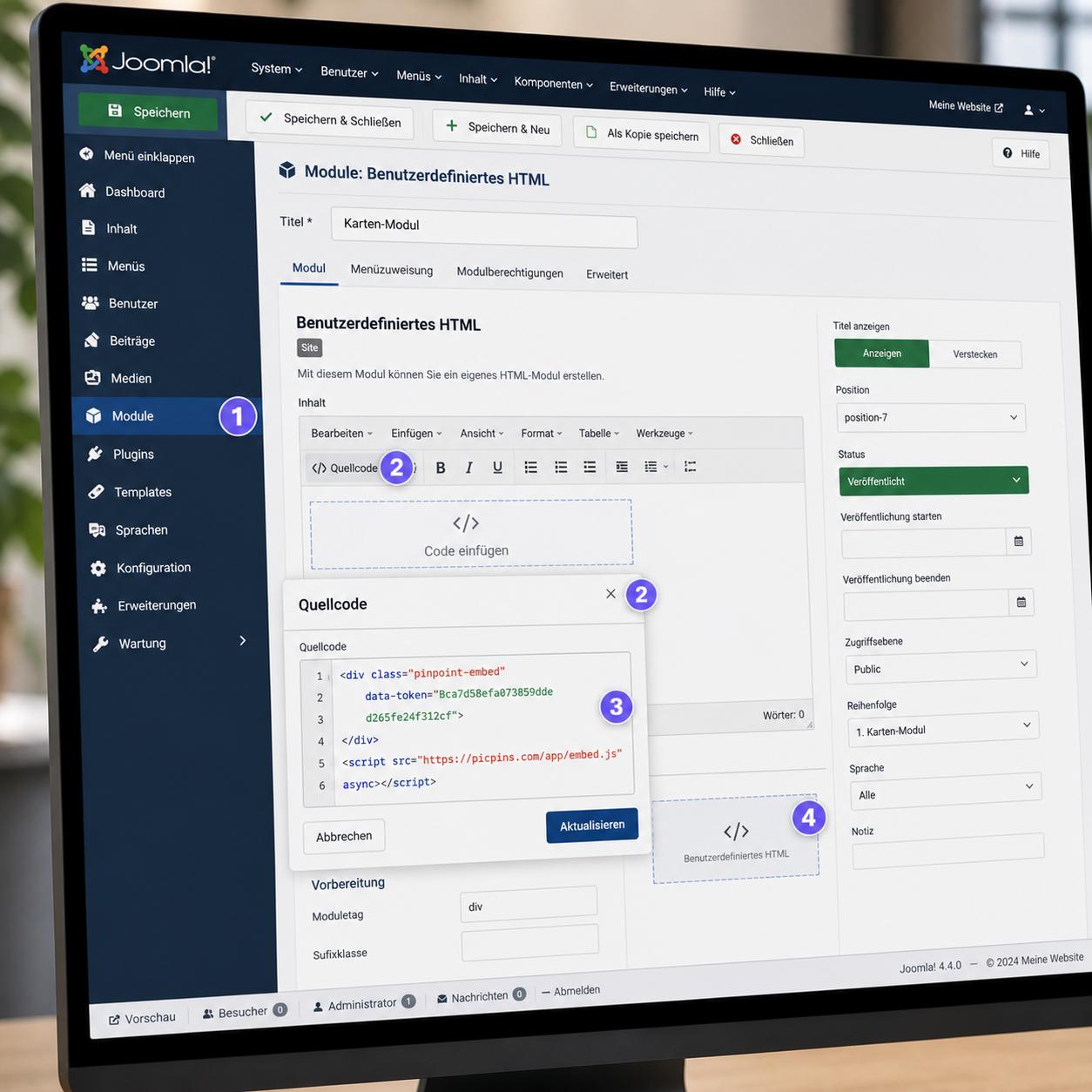
In Joomla, everything depends on the right editor. How to add clickable image regions via JCE, TinyMCE, or a custom module.
TYPO3 historically even had its own image map wizard. How to add clickable images today — native, via plain HTML, or with external tools.
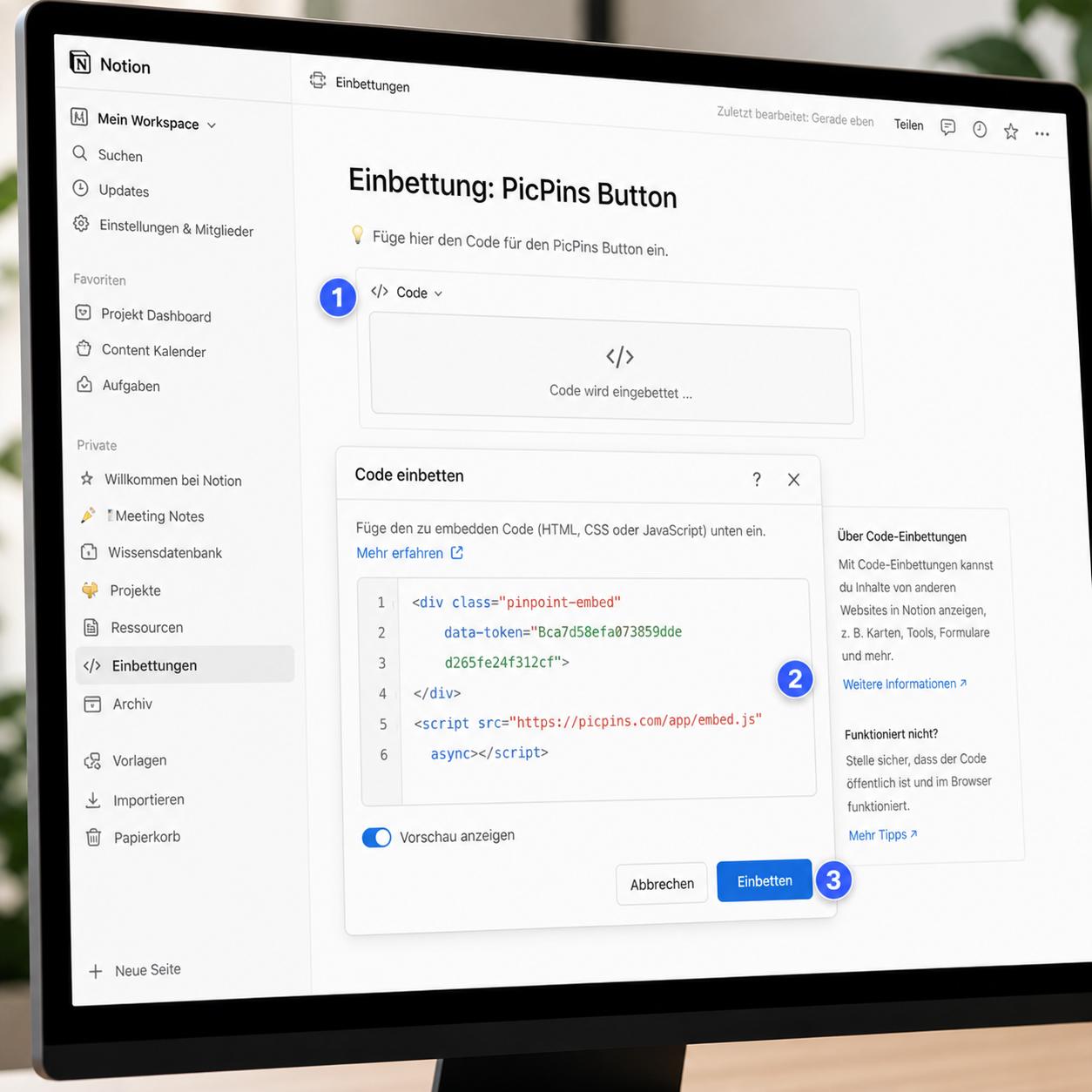
Notion isn't built for clickable image regions. There are still paths forward — from the embed block to a workaround with external tools.
On a hand-built HTML page you have all the freedom. Three paths to clickable image regions — from old HTML to the SVG-based approach.
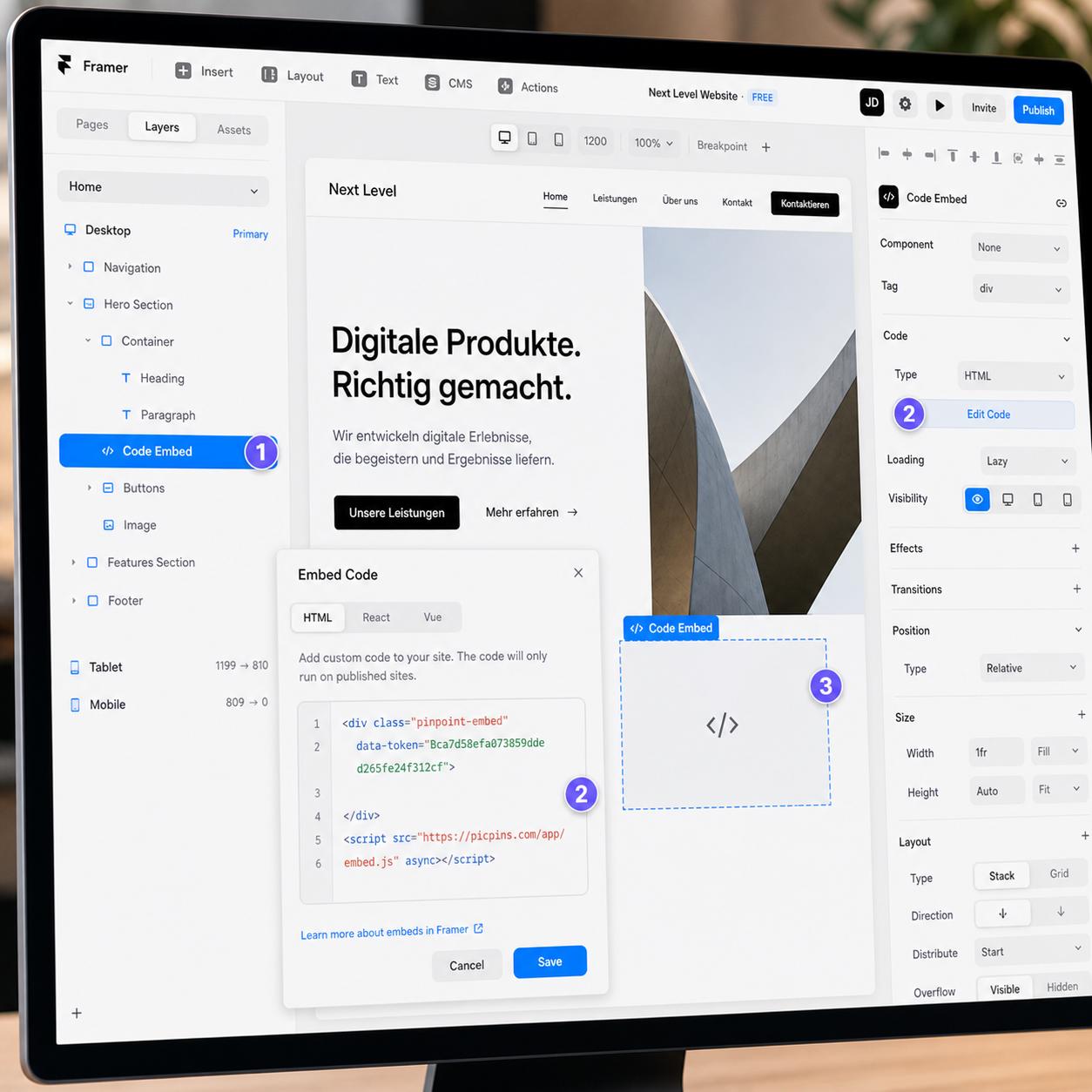
Framer is design and development in one. How to add hotspots to images — with Smart Components, embed code, or external tools.
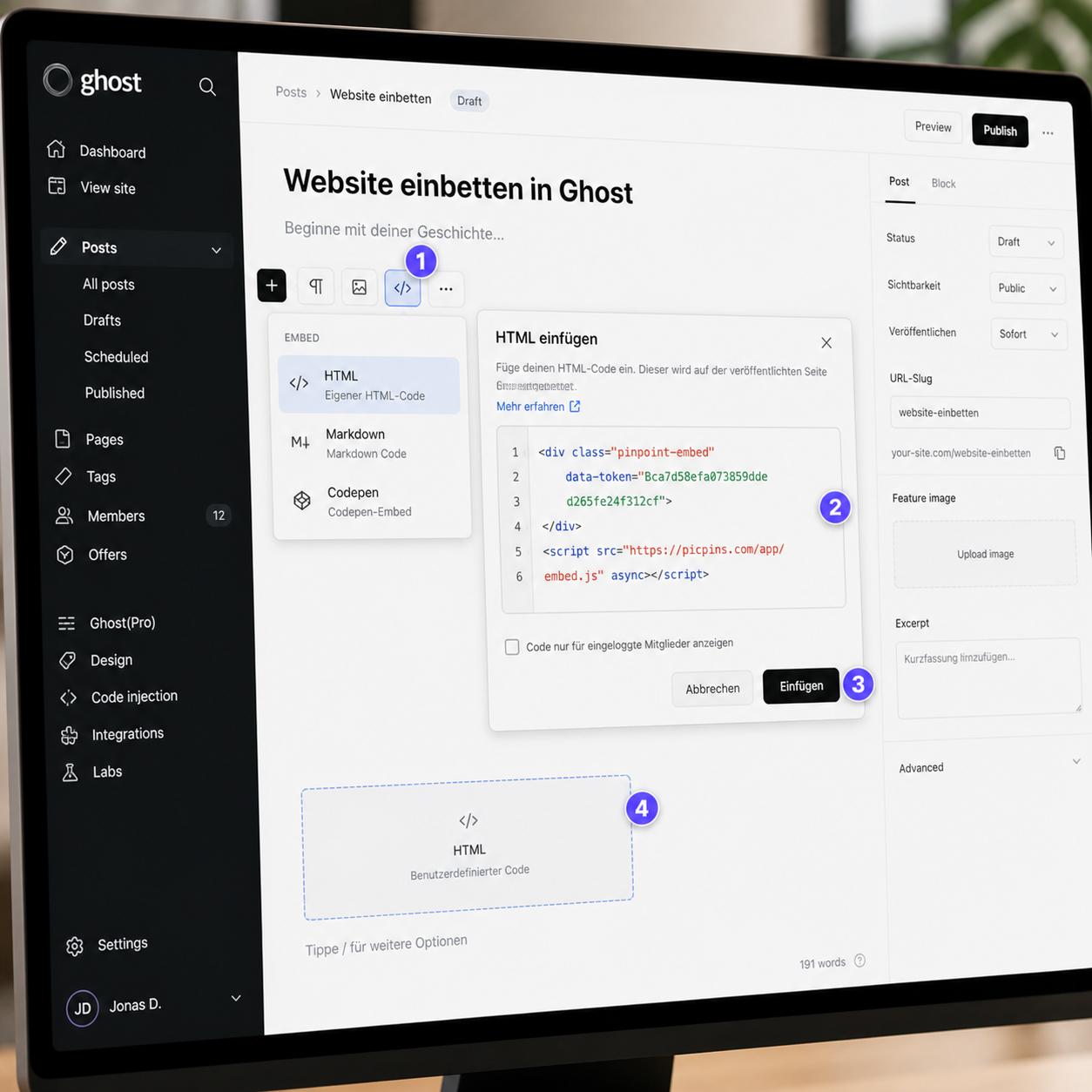
Ghost is built for readability — and still offers a simple way to make images clickable. The HTML card is your friend.
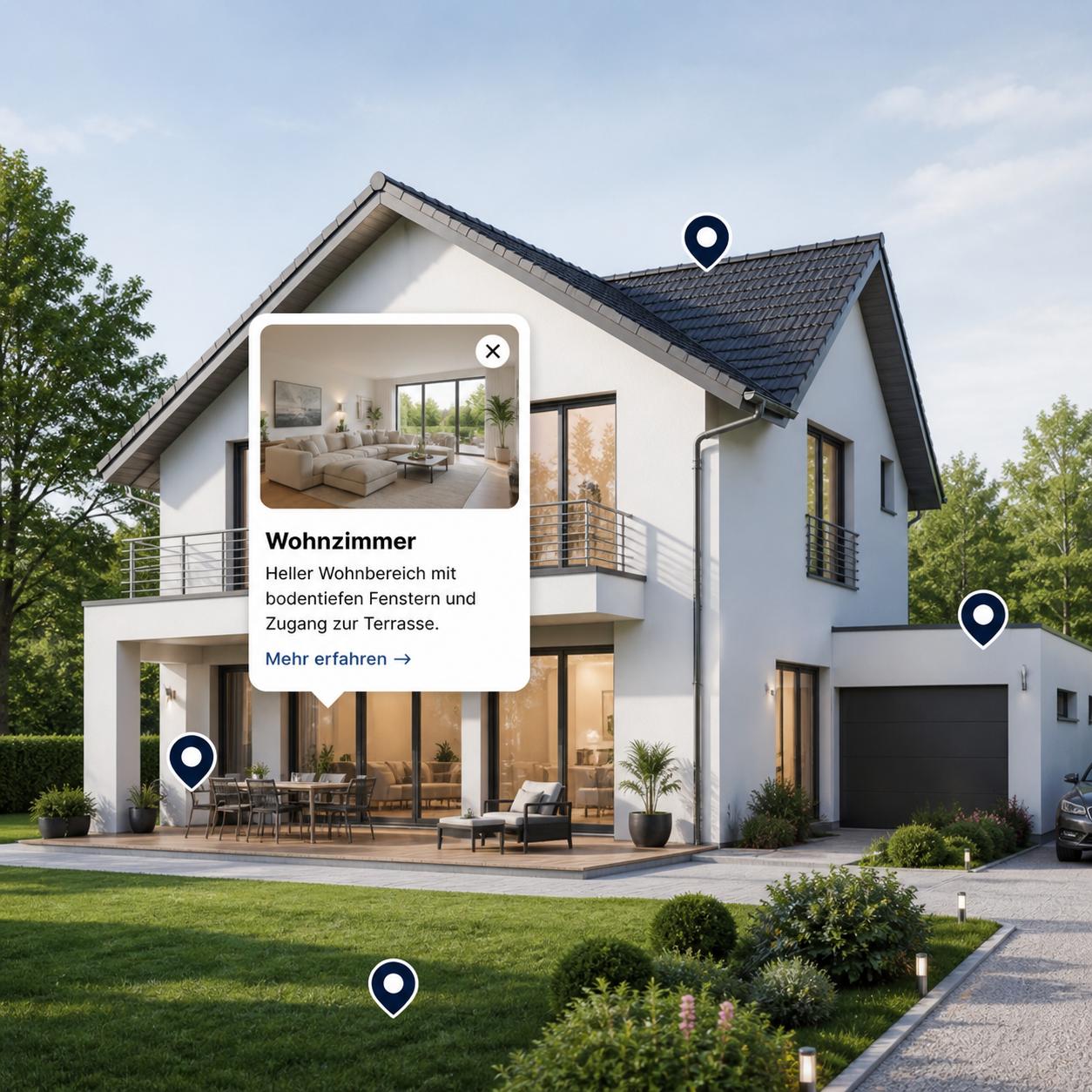
How real estate listings can be presented online so prospects grasp every key detail at a glance — without long descriptions and without 360-degree tours.
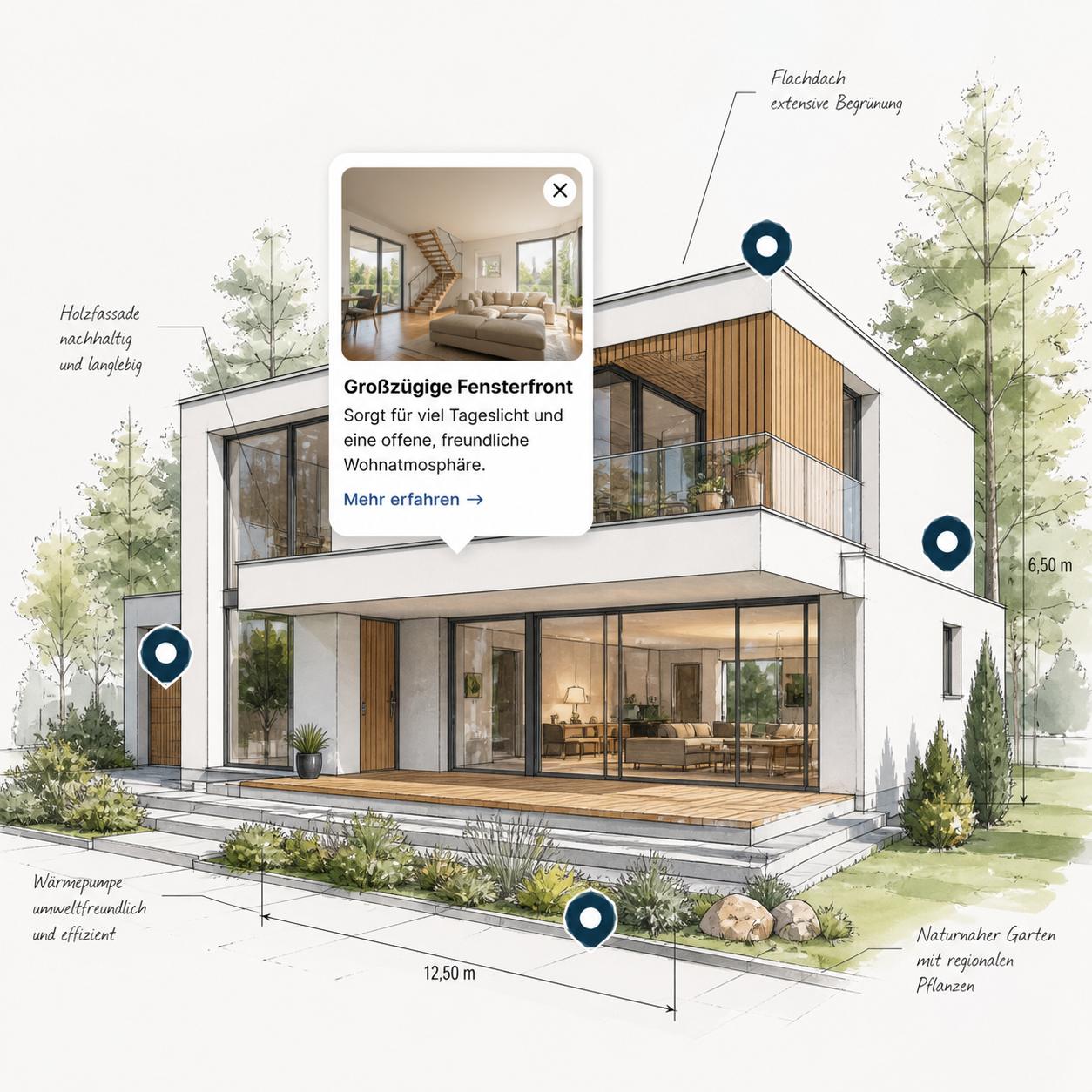
What an interactive image description is, when it pays off, and how a working example can be built in just a few minutes — no programming, no external software.
Image maps used to mean fiddly HTML with absolute coordinates, hard to maintain, barely mobile-friendly. Here's how to get the same result today with just a few clicks.